priPrinter

Visit http://www.priprinter.com

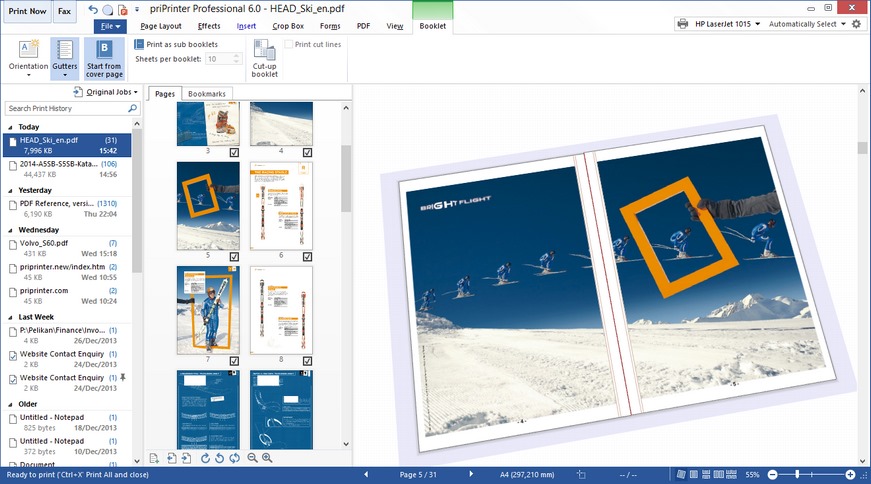
priPrinter, the leading print preview application, enables you to preview and modify printer jobs in many different ways. It is easy to print your pages to a real printer or save them to set of image files or single .PDF file.

Virtual printer

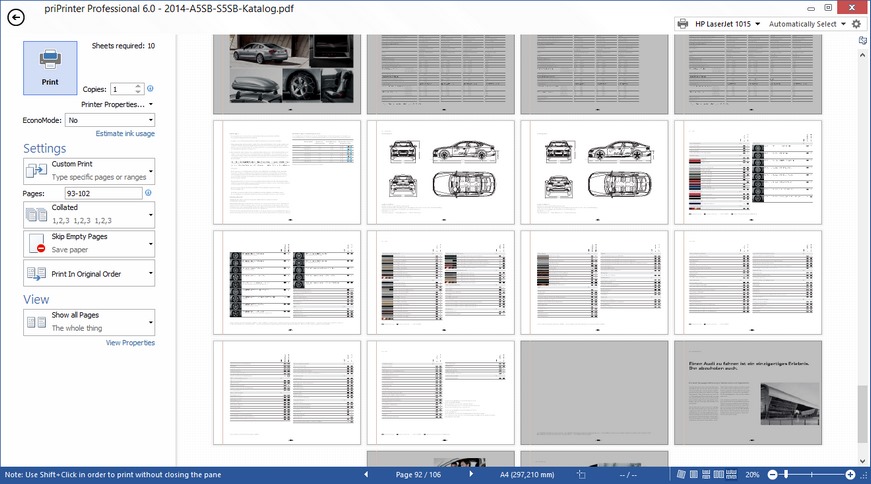
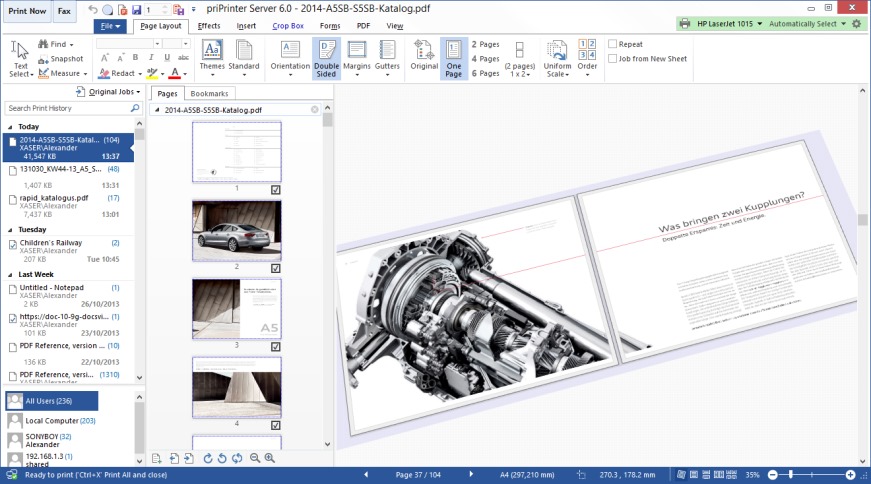
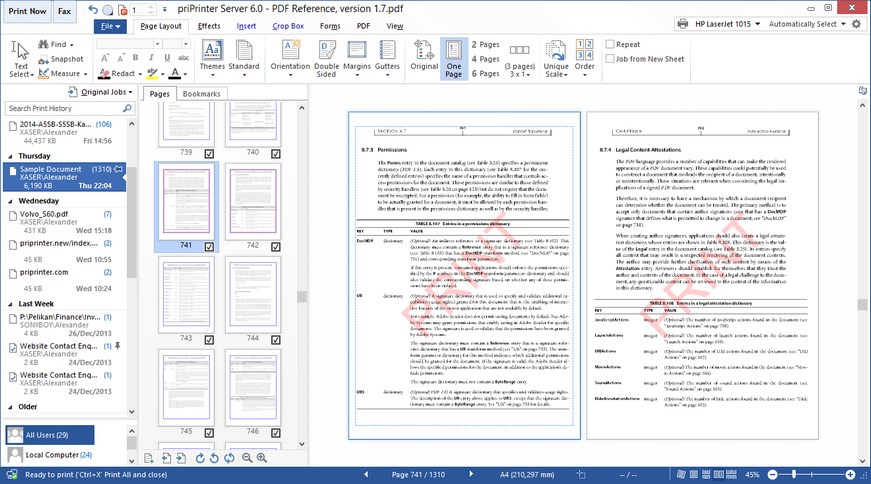
priPrinter is a virtual printer and you can use it as any other printer. In order to start, just print from your application to priPrinter printer. Print preview appears immediately, enables you to check the look and feel of your printout. priPrinterYou can be reassured that you will print exactly what you want. During previewing, priPrinter allows you to modify printer jobs by removing or rearranging pages, changing page layout, making text corrections, applying watermarks or markups.
Savings

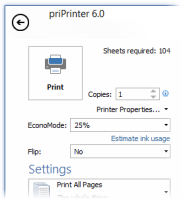
priPrinter saves your money by printing several pages on the one paper sheet or by removing non important pages, redundant headers or footers.

Final printout is always on your screen, there is no need to make trial printouts and spend your money. You print only what you want and from very first print!
Features and Advantages

  • Fast and modern user interface including 3d print preview
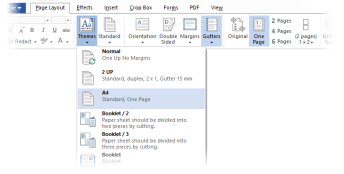
  • Print multiple pages on a single sheet. priPrinter can print any number of pages on a single sheet of paper. With help of margins removal tool and real-time high quality print preview, multiple pages printing becomes really useful feature. You can avoid big empty margins with ease
  • Reposition pages. Change page order or its position on the paper sheet by mouse drag and drop operation
  • Rich and very flexible page layout. Instead of entering dimensions in fields, you can simply drag margin lines and guides in the print preview window to interactively control the print layout and size pages as desired
  • Remove blank or unwanted pages. Just select page and click ‘Delete’
  • Remove blank page borders, advertising or unwanted text and graphics. Outer or internal parts of pages could be removed
  • Make final text corrections, highlight important information or black-out confidential information*
  • Insert Watermarks. It is easy to create watermarks, notes and page numbers. Macros are supported
  • Automatic Page NumberingProfiles
  • Print to a physical printer, save to image file or publish to .PDF*
  • Combine multiple print jobs
  • Undo/Redo. Every action is undoable
  • Save often used settings to named profiles - printer themes
  • Forms or Letterheads
  • Scripting

System requirements

  • There are no any specific requirements. Any office computer with  MS logo Windows 2000, XP, Vista, 7 will be fine
  • priPrinter supports 64 bit operation systems and is able to use 64 bit advantages
  • Additional components and modules are not required

Standard and Professional editions

Printer is available in two editions: Standard and Professional.

Standard edition is all about printing and print previewing.

Professional edition, in additional to all standard features, has an ability to create PDF files and make text corrections. For a detailed comparison table please see this table.

Download

Just click on the button below in order to download latest version.

Installer contains 32 and 64 bit versions.

File is digitally signed and does not contain any adware.

priPrinter trial download is fully functional. It provides all the same features, functionality and performance you'll get when you register the software. There is no time limit.


File: priPrinterProSetup.exe
Version:   4.5.1.1348
Release Date:    6 February 2012
File Size: 3,51 MB
   
File: priPrinterSetup.exe
Version:   4.5.1.1348
Release Date:    6 February 2012
File Size: 3,14 MB

Licensing

priPrinter could be licensed in two ways:

  1. priPrinter is licensed on a per-user basis. One person can use the software on any number of devices. Each person who uses the software this way needs a license.
  2. priPrinter is licensed on a per-device basis. Many users use software on a single device. Each device with installed priPrinter needs a license.

There are no any time limits or regular payments. All minor updates are free. Upgrade from one major version to the next one is free .

In order to purchase please follow this link.


There are many additional information and downloads available on priPrinter english site: http://www.priprinter.com 

* priPrinter Professional